macOS · iOS Simulator · AVFoundation

Your Simulator,
now with a real camera.

The iOS Simulator has no camera — so every camera app falls over the moment you hit run. SimAV feeds any video, image, webcam, screen or QR code into the front & back cameras. Unmodified apps just work.

Buy SimAV $29
  • No code changes
  • Front & back, independent
  • Photo & video capture
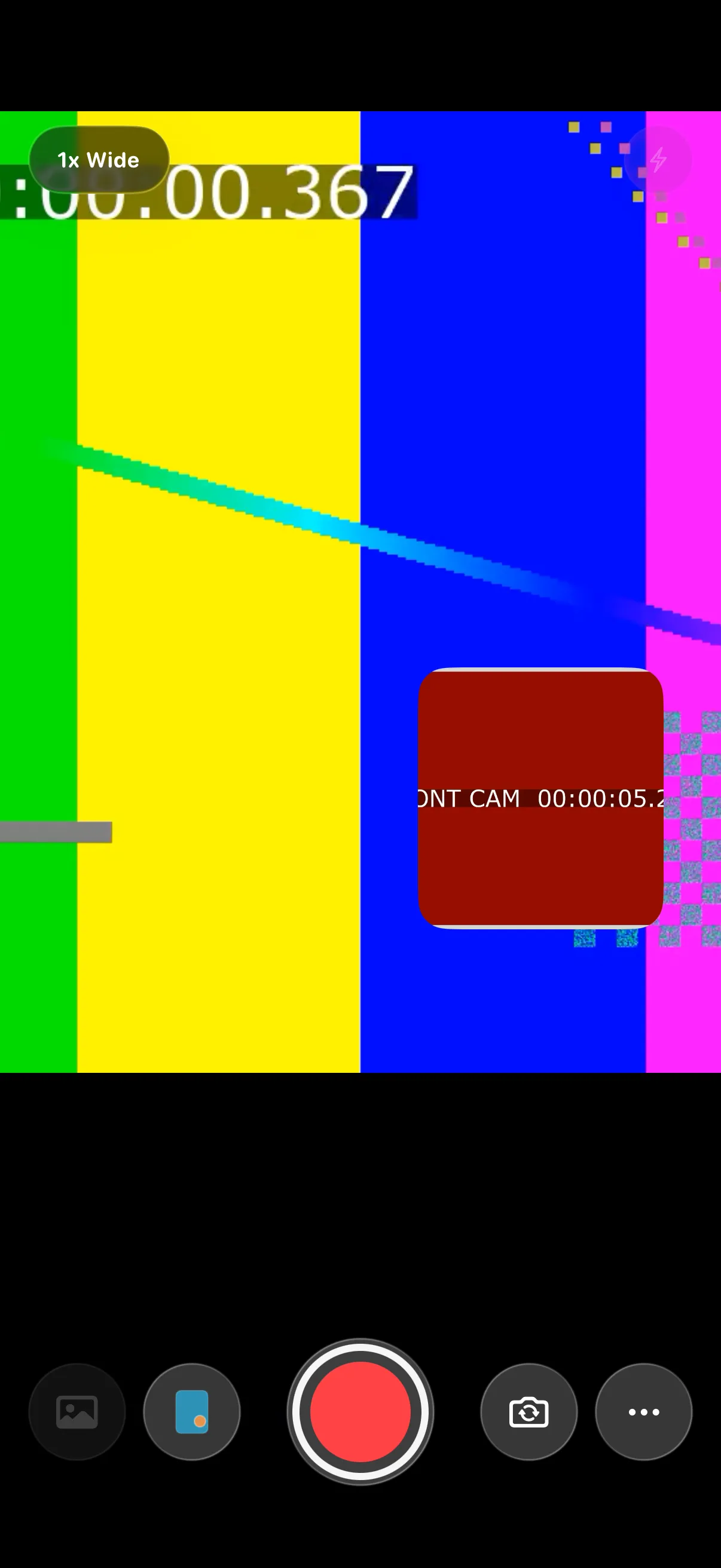
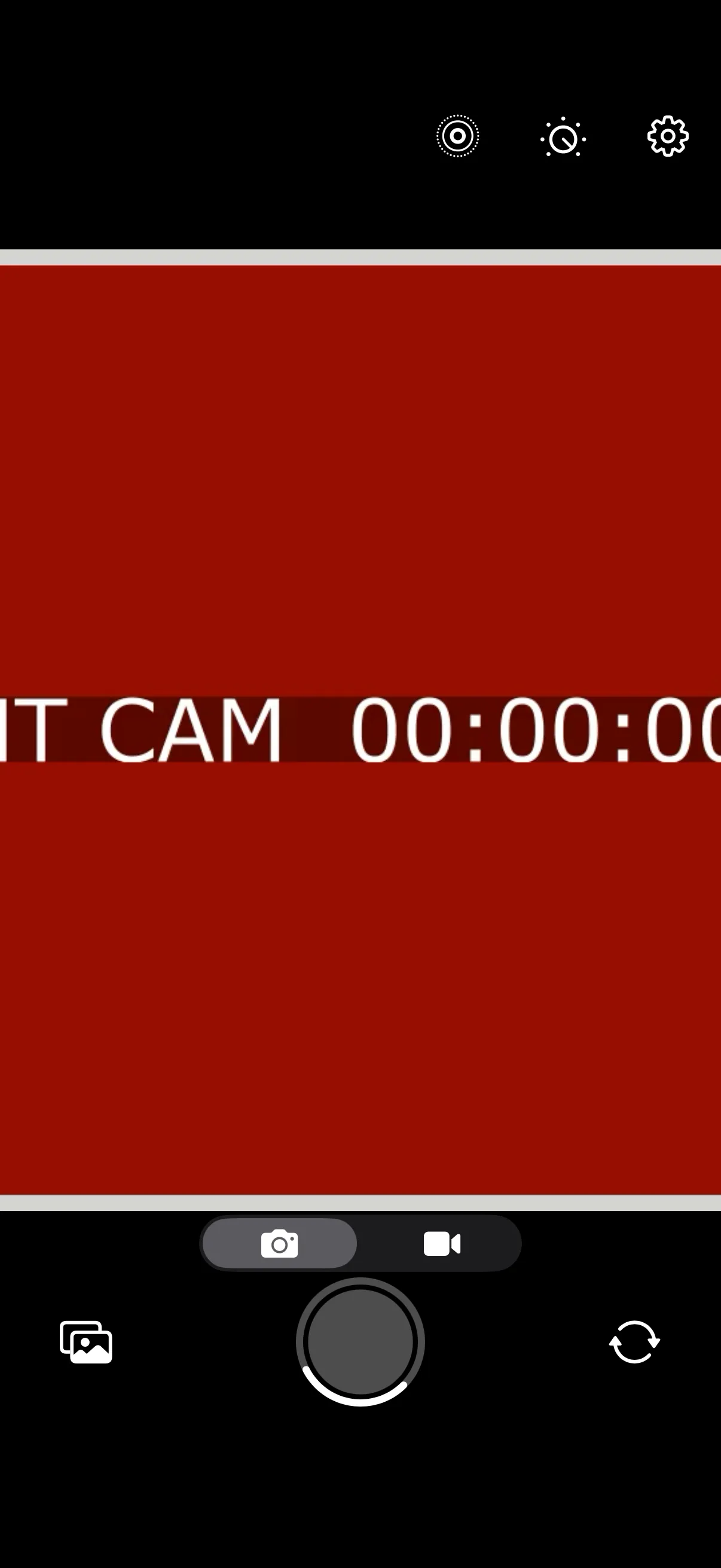
A camera app running in the iOS Simulator showing a live video feed from SimAV Camera live
SOURCE → back camera
DemoVideo.mp4

The simulator blind spot

The Simulator has
no camera. Yours needs one.

Build anything that touches AVCaptureDevice — a scanner, a KYC flow, a custom camera, AR — and the Simulator hands you nothing. So you tether a real device, juggle cables, and lose your hot-reload loop. Every. Single. Time.

Without SimAV

Camera code dead-ends

let device = AVCaptureDevice
  .default(.builtInWideAngleCamera,
           for: .video, position: .back)
// → nil on Simulator

guard let device else {
  fatalError("No camera available")
}  // 💥 you, every demo
  • Black preview, or an instant crash
  • Plug in a real device just to see pixels
  • No way to script repeatable camera input
With SimAV

The same code just runs

let device = AVCaptureDevice
  .default(.builtInWideAngleCamera,
           for: .video, position: .back)
// → a live virtual camera ✅

session.addInput(input)
preview.session = session
session.startRunning()  // pixels!
  • Live preview, switching, photo & movie capture
  • Front & back fed from independent sources
  • Zero changes to your app's code

From zero to live in under a minute

Three steps. No SDK,
no code, no cables.

  1. 01

    Launch & arm

    SimAV lives in your menu bar. It spots every booted Simulator and arms it in one click — no Xcode project changes, no rebuild of your app.

    simctl · launchd
  2. 02

    Pick a source

    Per camera position, choose a video, image, your Mac webcam, a screen, or a live QR code. Front and back can run completely different feeds.

    front ⇄ back
  3. 03

    Run your app

    Launch any camera app in the Simulator. Preview, switching, photo capture and movie recording all light up — driven by your chosen source at 30 fps.

    30 fps · live

Everything a camera app expects

A full capture stack,
faked to perfection.

SimAV swizzles AVFoundation into a virtual graph — so preview layers, data outputs, photo and movie capture all behave exactly like real hardware.

Feed it almost anything

Point any camera position at a source — and switch it live while your app runs.

  • Video file
  • Image
  • Mac webcam
  • Screen
  • QR code
  • Demo clip

Front & back, independent

Two cameras, two separate feeds — switch between them and each keeps its own source.

Photo & movie capture

Snapshots return the live virtual frame; recordings write a real, playable H.264 .mov.

Multi-cam ready

Full AVCaptureMultiCamSession support — run back full-screen and front picture-in-picture at once.

No SDK, no code

Nothing to import, link or fork. Your app's existing AVFoundation code runs untouched.

Menu-bar simple, auto-arming

Lives quietly in the menu bar, detects booted Simulators and arms them automatically. Quit, and it cleans up after itself.

30 fps shared-memory pump · ad-hoc & notarized builds

Verified end-to-end

Tested against Apple's
own camera sample.

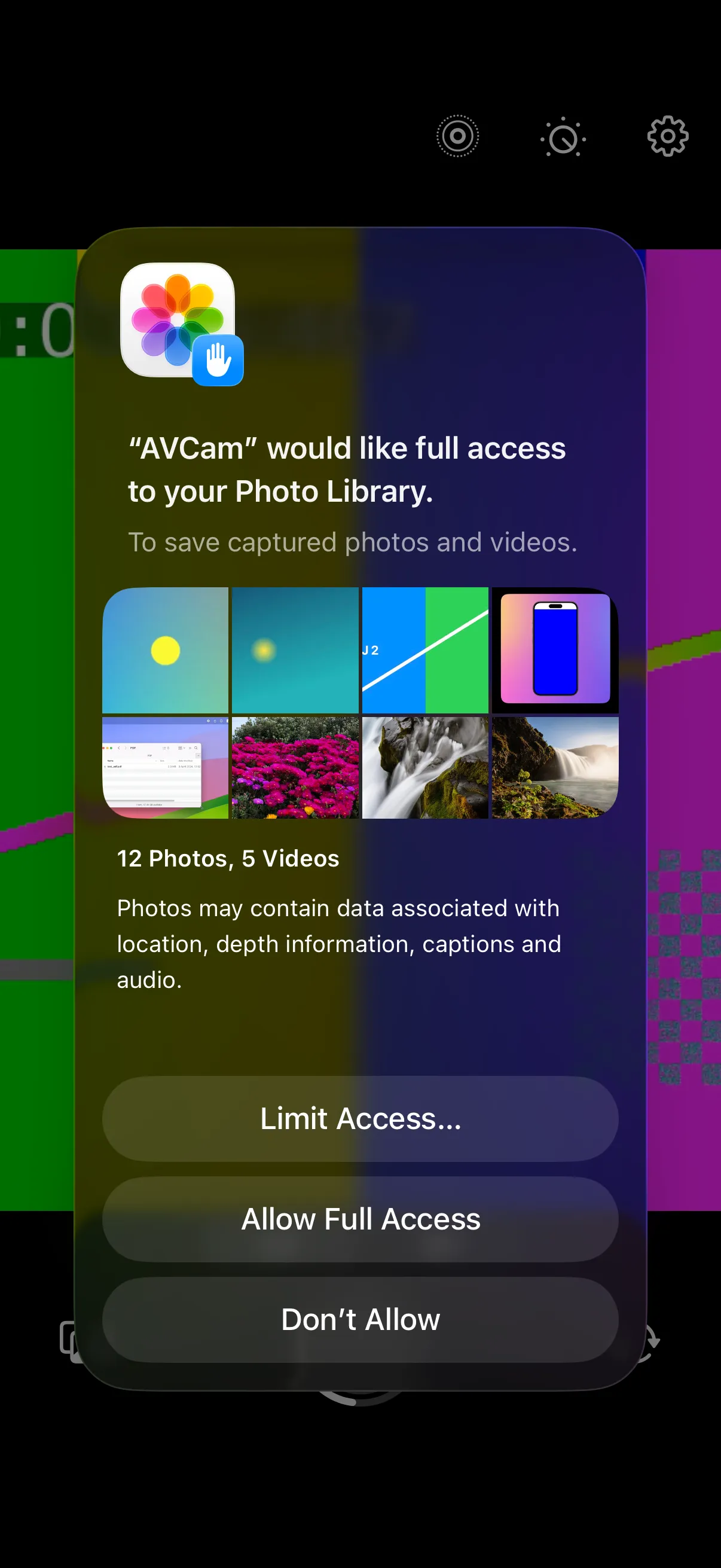
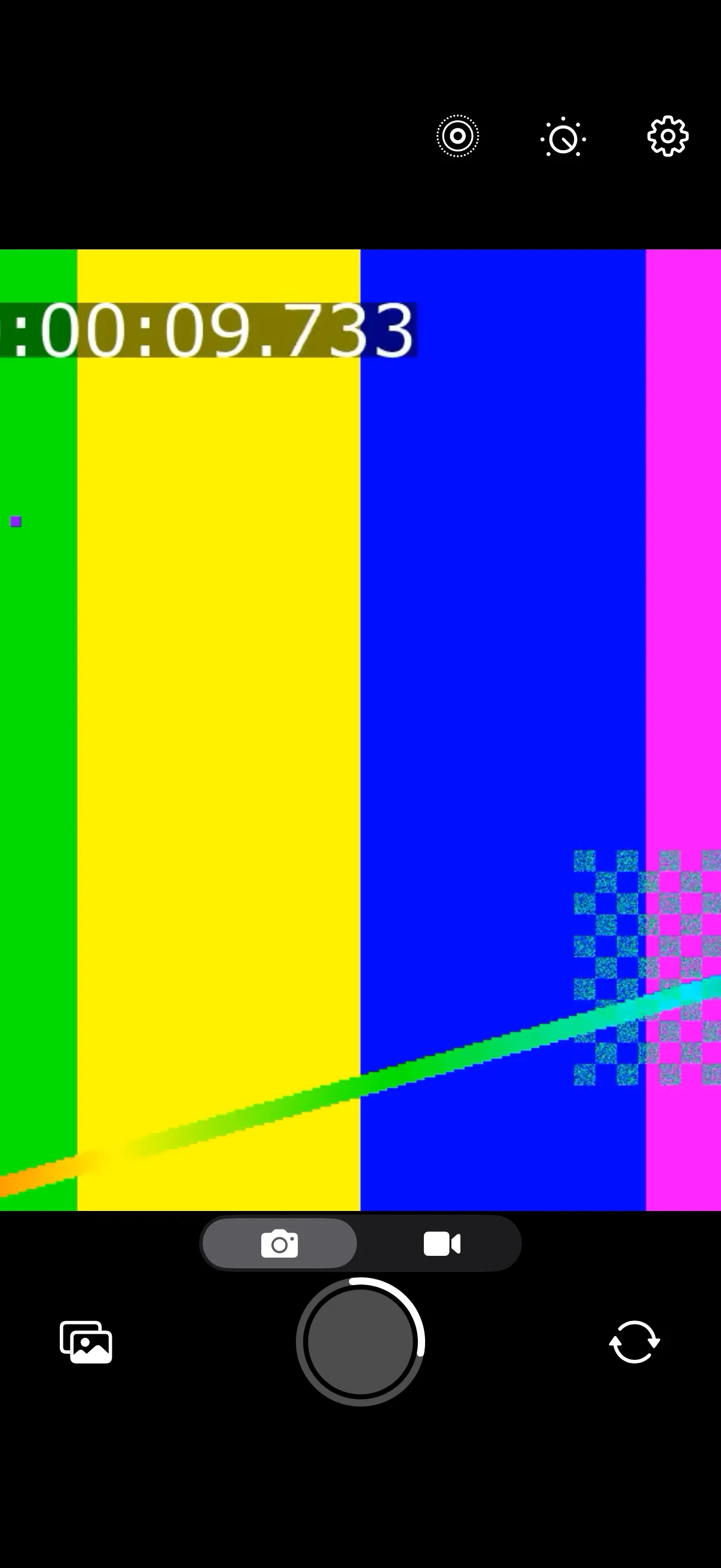
SimAV runs Apple's unmodified AVCam app on iPhone 17 Pro (iOS 26) — and a real multi-cam app — with the entire capture pipeline behaving like hardware. If your app uses AVFoundation, it's already supported.

Passing
AVCam · unmodified iPhone 17 Pro · iOS 26 · multi-cam stable
  • Live preview shows your source AVCaptureVideoPreviewLayer
  • Front / back switching distinct feed per position
  • Photo capture AVCapturePhotoOutput
  • Movie recording → playable .mov AVCaptureMovieFileOutput
  • Video data output delegates AVCaptureVideoDataOutput
  • Simultaneous dual camera AVCaptureMultiCamSession

One Mac, one price

Pay once. Ship camera
features anywhere.

⚠ Placeholder — pricing finalised at launch
$29 one‑time
license

A single payment. Free updates within the version. No subscription, ever.

Buy SimAV $29
Everything included
  • Every source — video, image, webcam, screen, QR
  • Front & back, independent feeds
  • Photo capture & H.264 movie recording
  • Multi-cam (picture-in-picture) support
  • Auto-arms every booted Simulator
  • Works with any unmodified camera app

Requires macOS · runs alongside Xcode & the iOS Simulator.

Good questions

Answers before
you buy.

Something else on your mind? Email us →

Do I need to change my app or add an SDK?

No. SimAV works at the AVFoundation layer inside the Simulator, so your app runs completely unmodified — nothing to import, link, fork or configure. If it builds a normal capture session today, it gets a live camera tomorrow.

Which camera apps does it work with?

Any app built on AVFoundation. Live preview, front/back switching, photo capture, movie recording and AVCaptureMultiCamSession are all supported — verified against Apple's own unmodified AVCam sample and a real dual-camera app.

What can I use as a camera source?

A video file, a still image, your Mac's webcam, a screen, a live-generated QR code, or the bundled demo clip. Front and back positions can each use a different source, and you can switch them live while the app is running.

Does this run on a physical iPhone?

No — and that's the point. SimAV exists to give the iOS Simulator a camera it never had, so you can build and demo camera features without tethering a device. On real hardware your code already has a real camera.

Which Xcode and iOS versions are supported?

It's verified on current Xcode with iOS 26 on the iPhone 17 Pro simulator, including multi-cam. Because it hooks AVFoundation rather than a private API surface, it tracks new Simulator runtimes closely.

Is there a trial, and how is it licensed?

Watch the demo above to see it working end-to-end. SimAV is a one-time purchase for macOS with a notarized, signed build — full trial and licensing details are finalised at launch. (Pricing on this page is a placeholder.)

Stop tethering devices

Give your Simulator
something to see.

Buy SimAV $29

one-time · placeholder pricing

SimAV streaming a source into the iOS Simulator's camera.